The Importance of Regular Backups (and How to Do It)

The Importance of Regular Backups (and How to Do It)

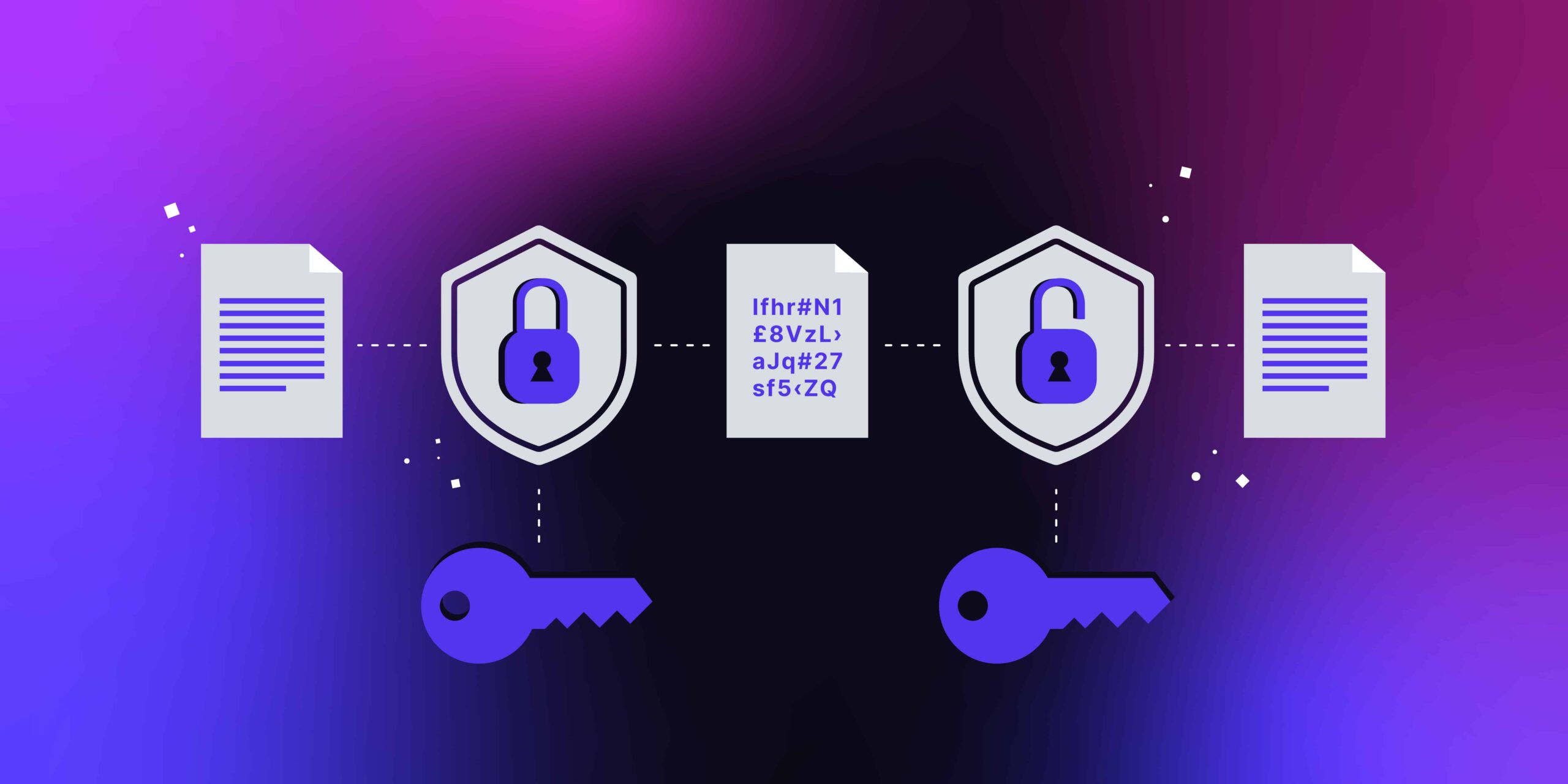
Regular backups are vital for protecting data from loss due to hardware failures, accidental deletion, malware, and disasters, ensuring business continuity and personal peace of mind. You can perform backups by saving data to external hard drives, USB drives, or online cloud services. Best practices include using the 3-2-1 backup rule (three copies, two different media types, one offsite), automating the process, encrypting your data, and regularly testing your backups to ensure they are reliable and can be successfully restored.

How to Keep Your PC and Mobile Devices Secure

How to Keep Your PC and Mobile Devices Secure

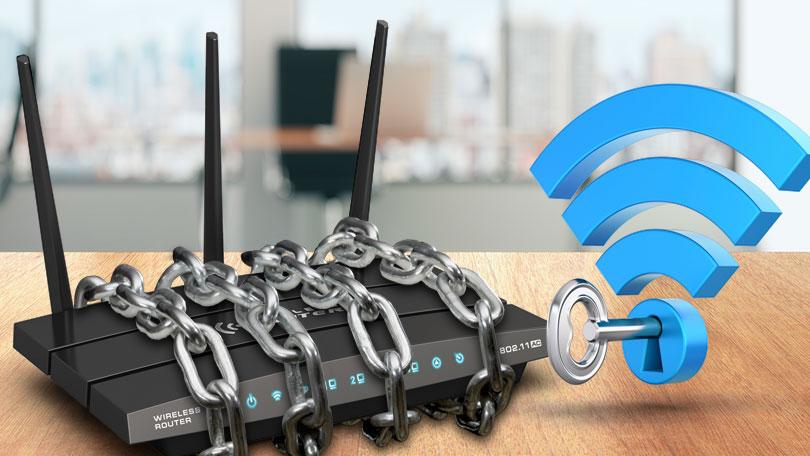
To secure your PC and mobile devices, use strong, unique passwords and multi-factor authentication, keep your operating system and software updated, install and maintain reputable antivirus/anti-malware software, be wary of suspicious links and attachments, lock your devices when unattended, use device encryption, and back up your data regularly to a secure cloud service or external drive.

How to Spot and Avoid Phishing Emails

How to Spot and Avoid Phishing Emails

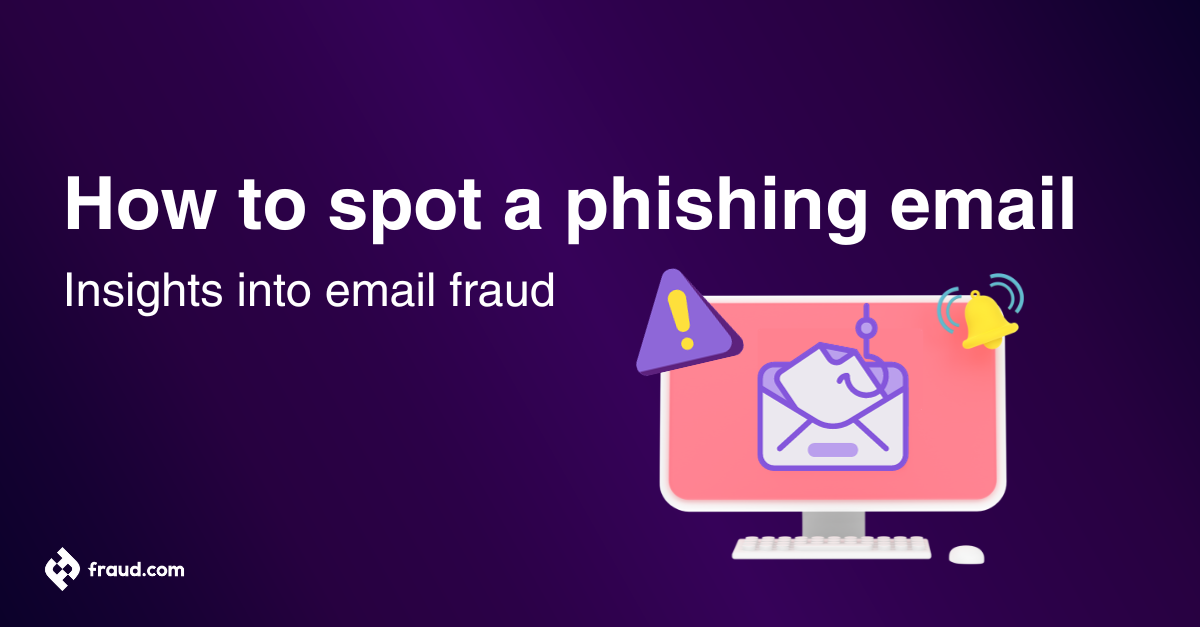
Phishing emails are one of the most common tricks cybercriminals use to steal sensitive information like passwords, credit card numbers, or banking details. They look like real messages from trusted companies — but clicking on the wrong link can cost you your data, money, or even your identity.