Learn how phishing attacks work, recognize fake emails and websites, identify online scams, and protect your passwords and personal information.
Phishing Attacks Explained: How Hackers Trick People Online
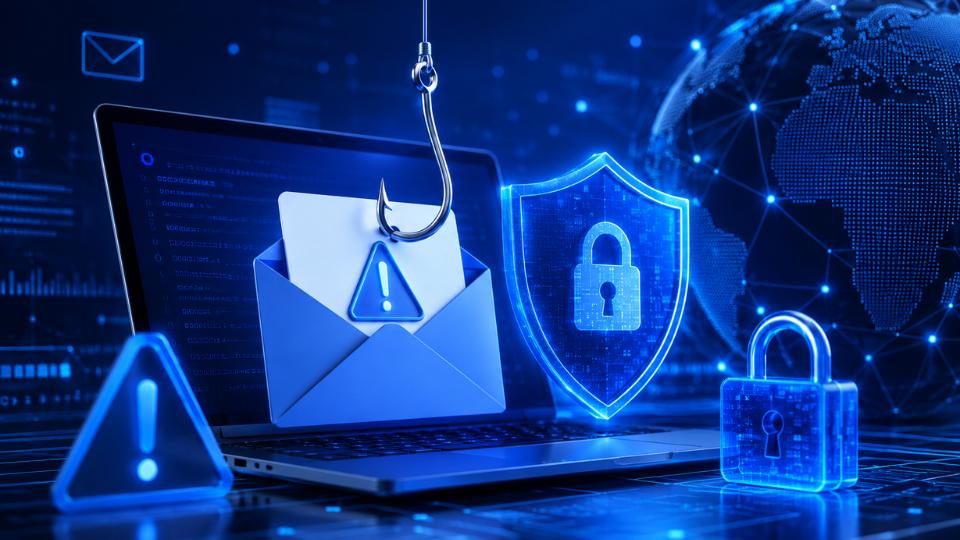


Learn how phishing attacks work, recognize fake emails and websites, identify online scams, and protect your passwords and personal information.
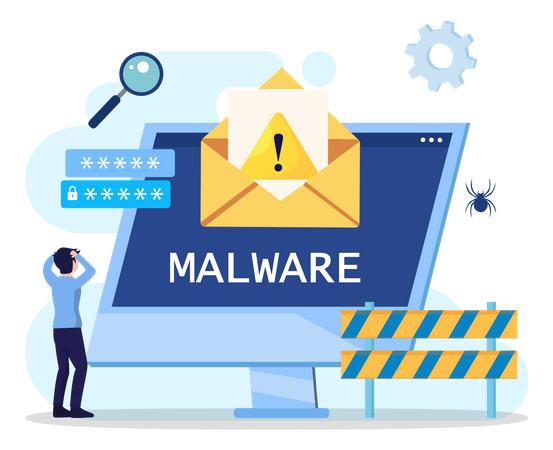
Learn what malware is and understand viruses, worms, trojans, spyware and ransomware, with simple examples and safe tips for protecting your devices.
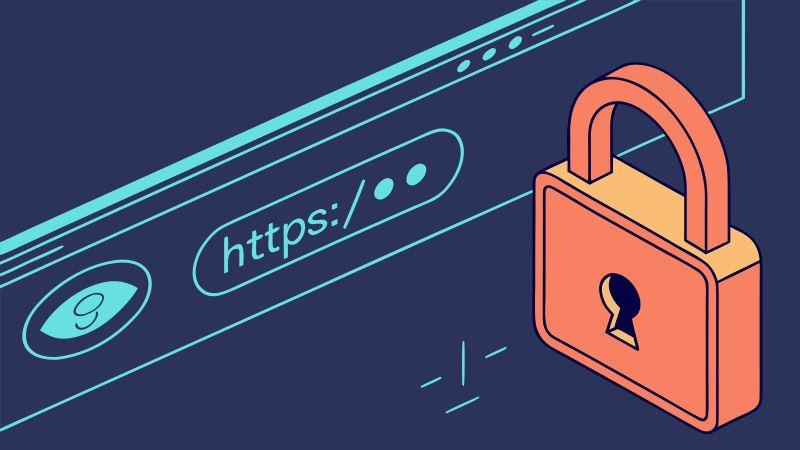
Learn the difference between HTTP and HTTPS, how TLS encryption and digital certificates protect website communication, and how to browse safely.

Learn computer networking basics, including IP addresses, routers, DNS, ports, and protocols, with simple examples and a practical beginner lab.
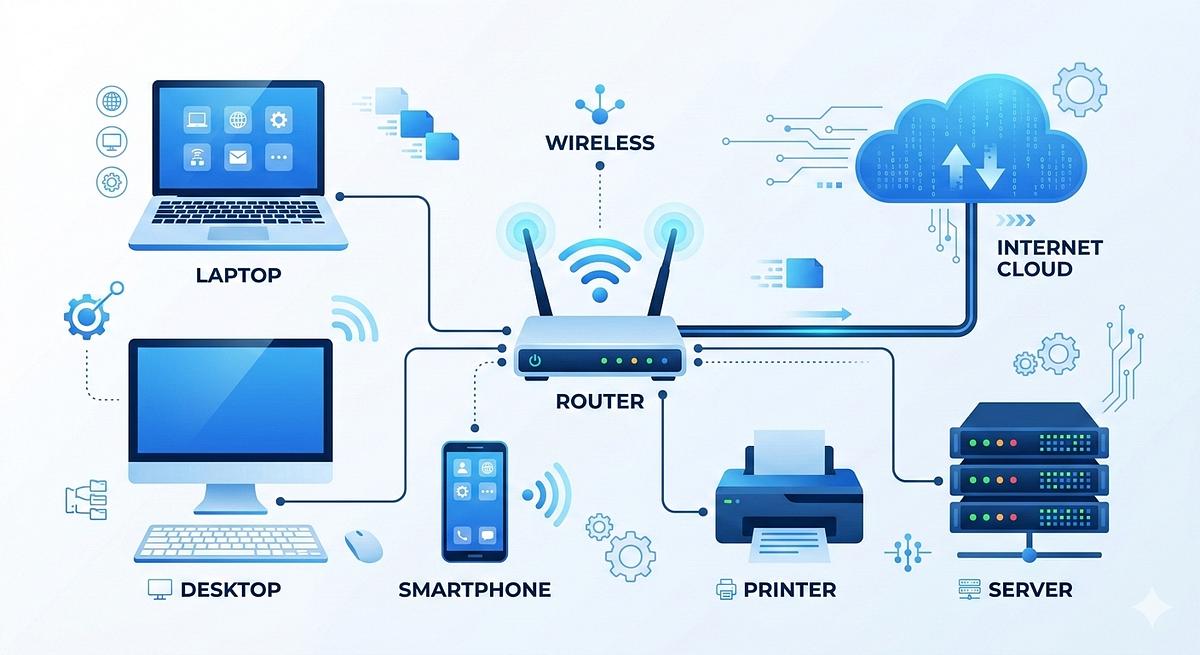
Learn how the internet works, how devices connect, how websites load, and how servers, browsers and data packets support online communication.

Learn what cybersecurity is, how it protects computers and personal data, common cyber threats, and practical security tips for beginners.
Creating a free blog to make money involves picking a clear topic, using a free platform, and adding ads or product links. This post teaches you choosing a niche, setting up a free site on a platform like Blogger.
Backing up and migrating your WordPress website can be done seamlessly using standard helper plugins or manually if you prefer total control.
Optimizing your website speed is the fastest way to improve user experience, reduce bounce rates, and boost search engine rankings. Follow this step-by-step approach to dramatically reduce your page load times.

Website security is critical for protecting your website from hackers, malware, brute-force attacks, spam, and data theft. Whether your site is local (XAMPP) or live online, these steps will help secure it.