In today’s digital world, cyber threats are more common than ever. You’ve probably heard terms like virus, malware, ransomware, and spyware — but they’re not all the same thing.
The Difference Between Viruses- Malware- Ransomware- and Spyware



In today’s digital world, cyber threats are more common than ever. You’ve probably heard terms like virus, malware, ransomware, and spyware — but they’re not all the same thing.
In today’s digital world, cyber threats are everywhere — from your email inbox to your favorite social media apps. Whether you use a computer for business or personal tasks, understanding these threats is the first step to protecting yourself online.
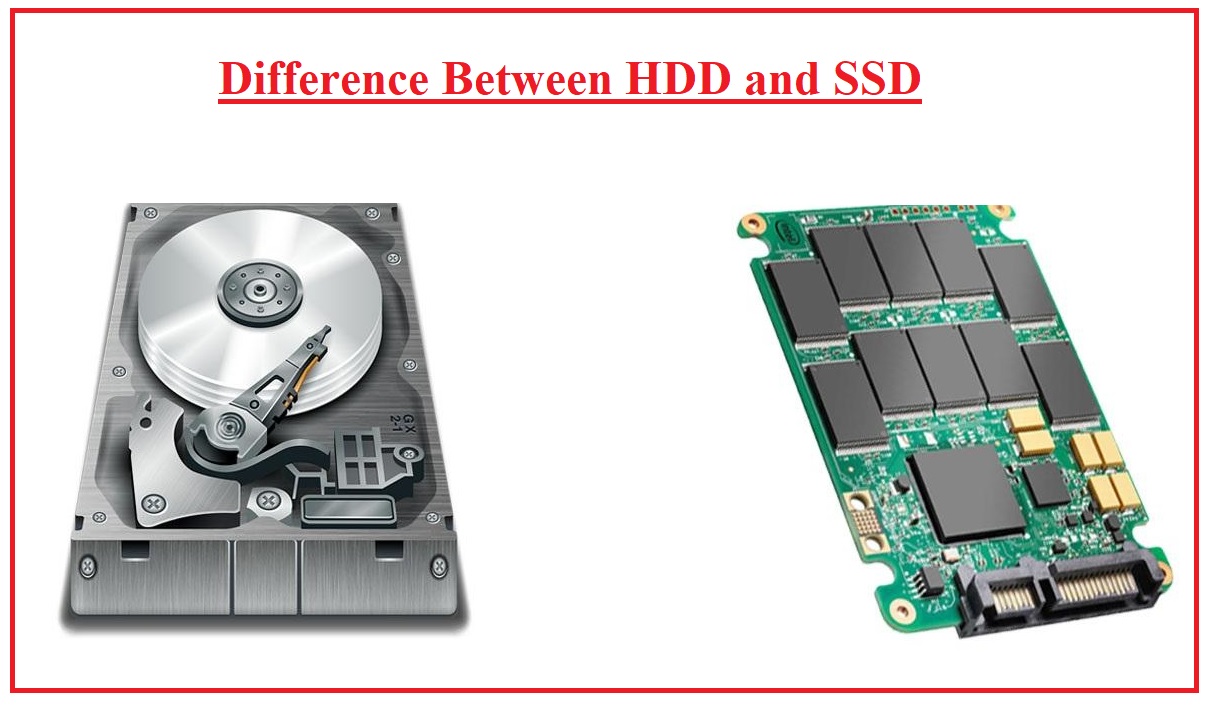
When it comes to storage drives in computers, two main types stand out: HDD (Hard Disk Drive) and SSD (Solid State Drive). Both store your data, but they work very differently — and knowing the difference can help you choose the right one for your needs.
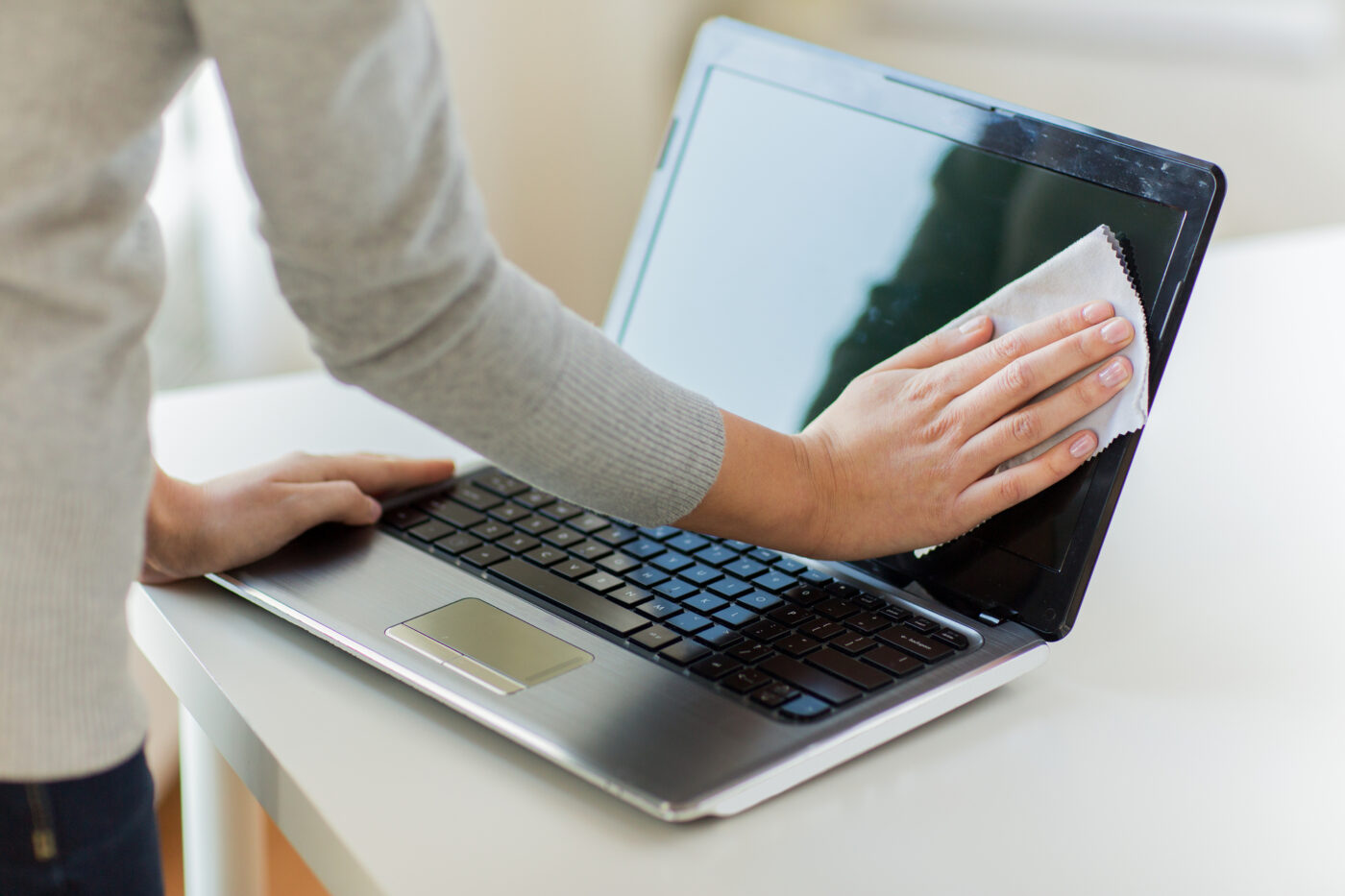
Keeping your computer clean is essential for maintaining performance, preventing overheating, and extending its lifespan. But while cleaning sounds simple, many people make mistakes that can damage their PCs instead of protecting them.

Laptop batteries don’t last forever, but good care can slow down their wear and keep them running efficiently for years. Here’s how to extend your laptop battery’s lifespan:
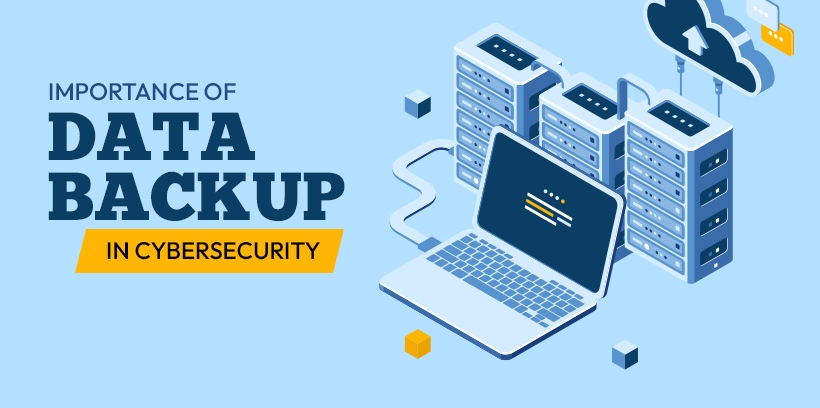
Losing important files can be devastating — whether it’s personal photos, work documents, or financial records. Hardware failures, accidental deletions, ransomware, or theft can happen without warning.
That’s why having a reliable backup strategy is essential for every PC user.
Just like cars, computers need regular maintenance to stay fast, secure, and reliable. Many users overlook servicing until problems appear — but preventive care can save you from costly repairs and data loss.

Laptops are powerful and portable, but they’re also prone to wear, tear, and software issues over time. The good news? Many common problems can be fixed without a trip to the repair shop.

Drivers are the “bridge” between your computer’s hardware (like graphics cards, printers, and sound systems) and your Windows operating system. Outdated or corrupt drivers can cause crashes, slow performance, or even security vulnerabilities. But updating drivers must be done carefully to avoid introducing new problems.
Viruses and malware don’t just slow down your computer — they can steal your data, damage files, and even compromise your online security. The good news is, with the right habits and tools, you can keep your system safe.