Learn practical ways students can stay motivated, focused, and hopeful even in a tough economy and uncertain future.
How to Stay Motivated as a Student in a Tough Economy


Learn practical ways students can stay motivated, focused, and hopeful even in a tough economy and uncertain future.

Discover the best free online resources every student should know for learning, skills, productivity, and career growth.

Learn practical ways students can balance school, skills learning, and personal life without stress or burnout.

Discover the top mistakes students make when choosing a career and learn how to avoid confusion, regret, and poor career decisions.
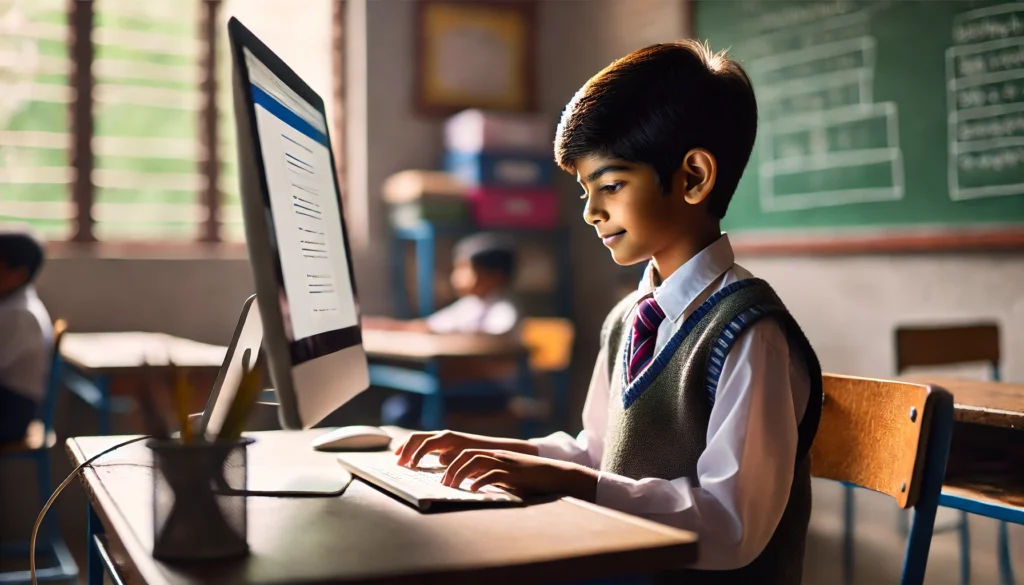
Discover what student vocation means, why it is important, and how students can find clarity, purpose, and career direction early.
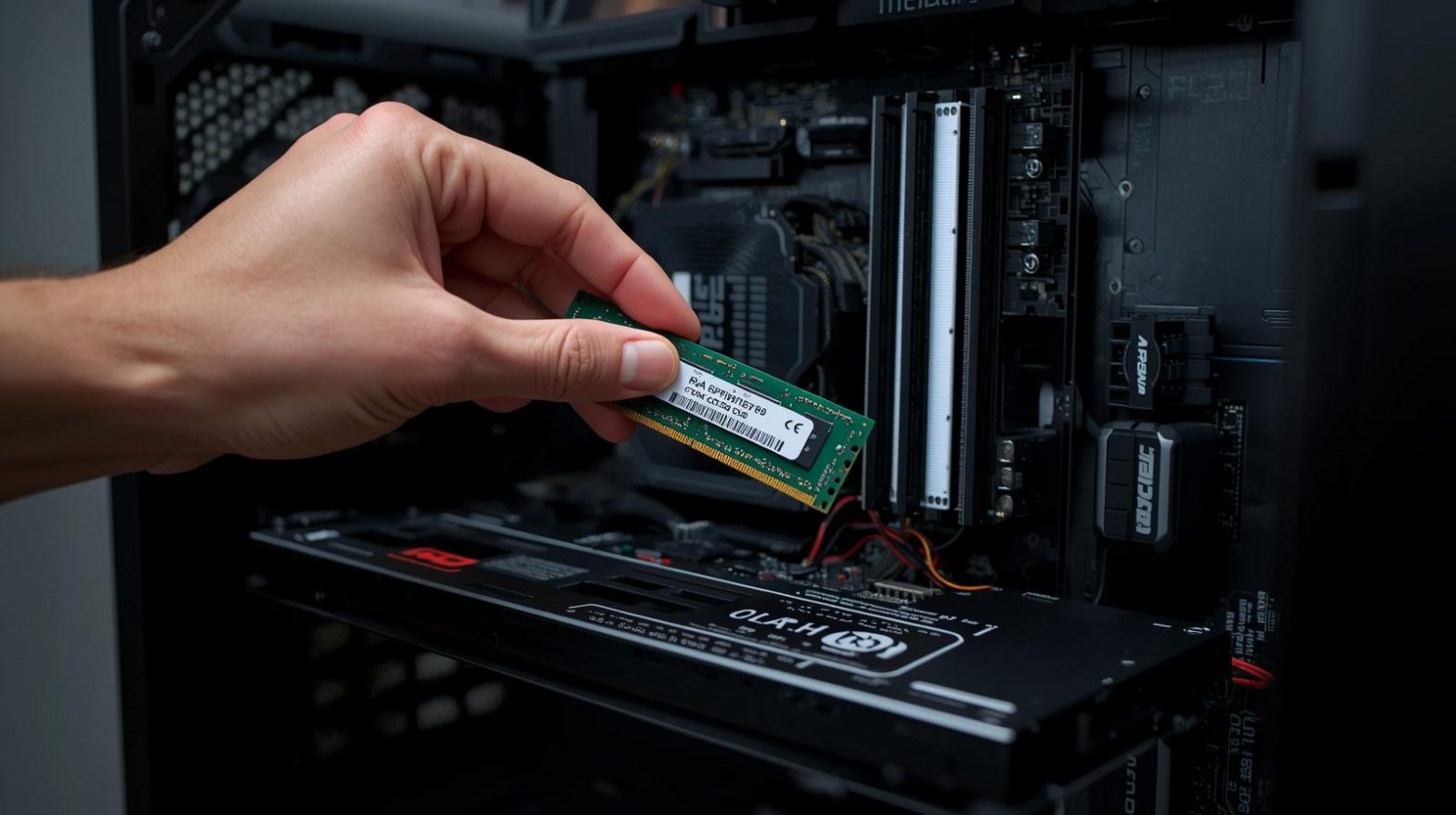
Upgrading your RAM (Random Access Memory) is one of the easiest and most affordable ways to improve your PC’s speed and multitasking performance — but it must be done safely and correctly.
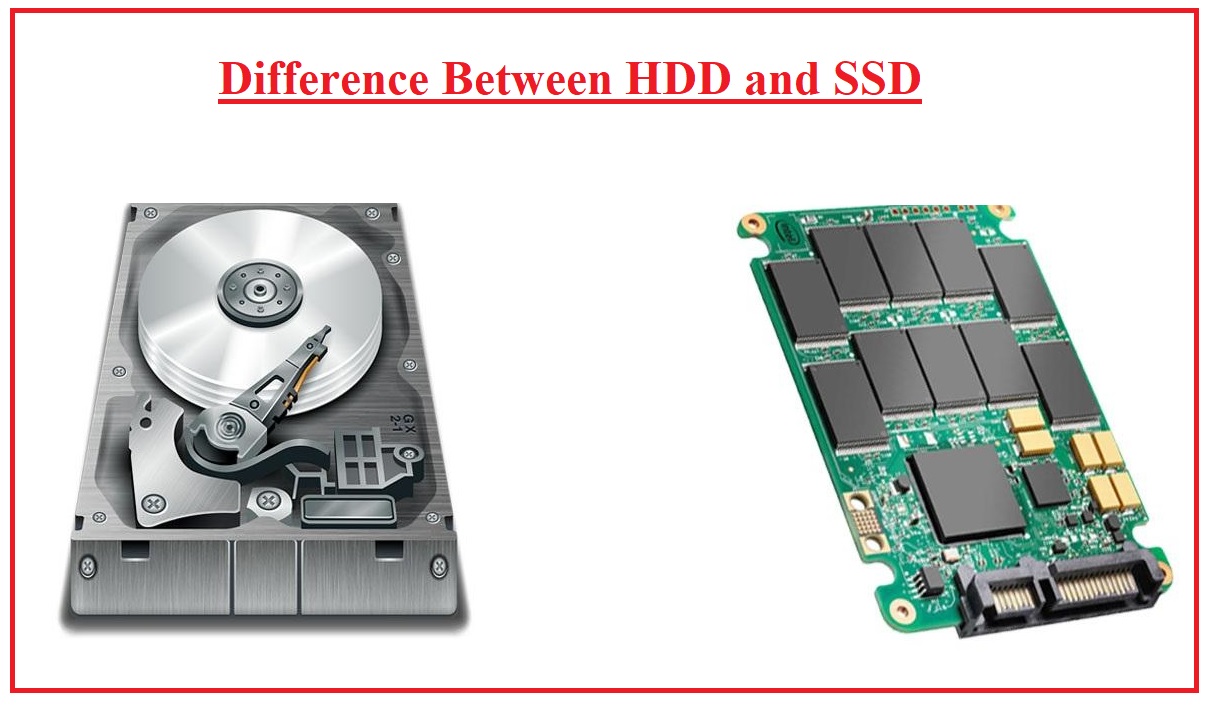
When it comes to storage drives in computers, two main types stand out: HDD (Hard Disk Drive) and SSD (Solid State Drive). Both store your data, but they work very differently — and knowing the difference can help you choose the right one for your needs.

Keeping your computer clean is essential for maintaining performance, preventing overheating, and extending its lifespan. But while cleaning sounds simple, many people make mistakes that can damage their PCs instead of protecting them.

Laptop batteries don’t last forever, but good care can slow down their wear and keep them running efficiently for years. Here’s how to extend your laptop battery’s lifespan:
Losing important files can be devastating — whether it’s personal photos, work documents, or financial records. Hardware failures, accidental deletions, ransomware, or theft can happen without warning.
That’s why having a reliable backup strategy is essential for every PC user.