To protect your devices from physical theft, use strong passwords and biometrics, engage tracking and encryption features, physically secure your devices with locks and in secure locations, and remain vigilant of your surroundings to prevent theft. Always be aware of “shoulder surfing” and avoid leaving unattended devices in public places, cars, or other insecure spots.
Month: October 2025
How to Secure Cloud Storage Accounts
Cloud storage (like Google Drive, OneDrive, Dropbox, or iCloud) makes it easy to save, sync, and share files anywhere — but without proper security, it can expose your personal or business data to hackers.
The Importance of Regular Backups (and How to Do It)
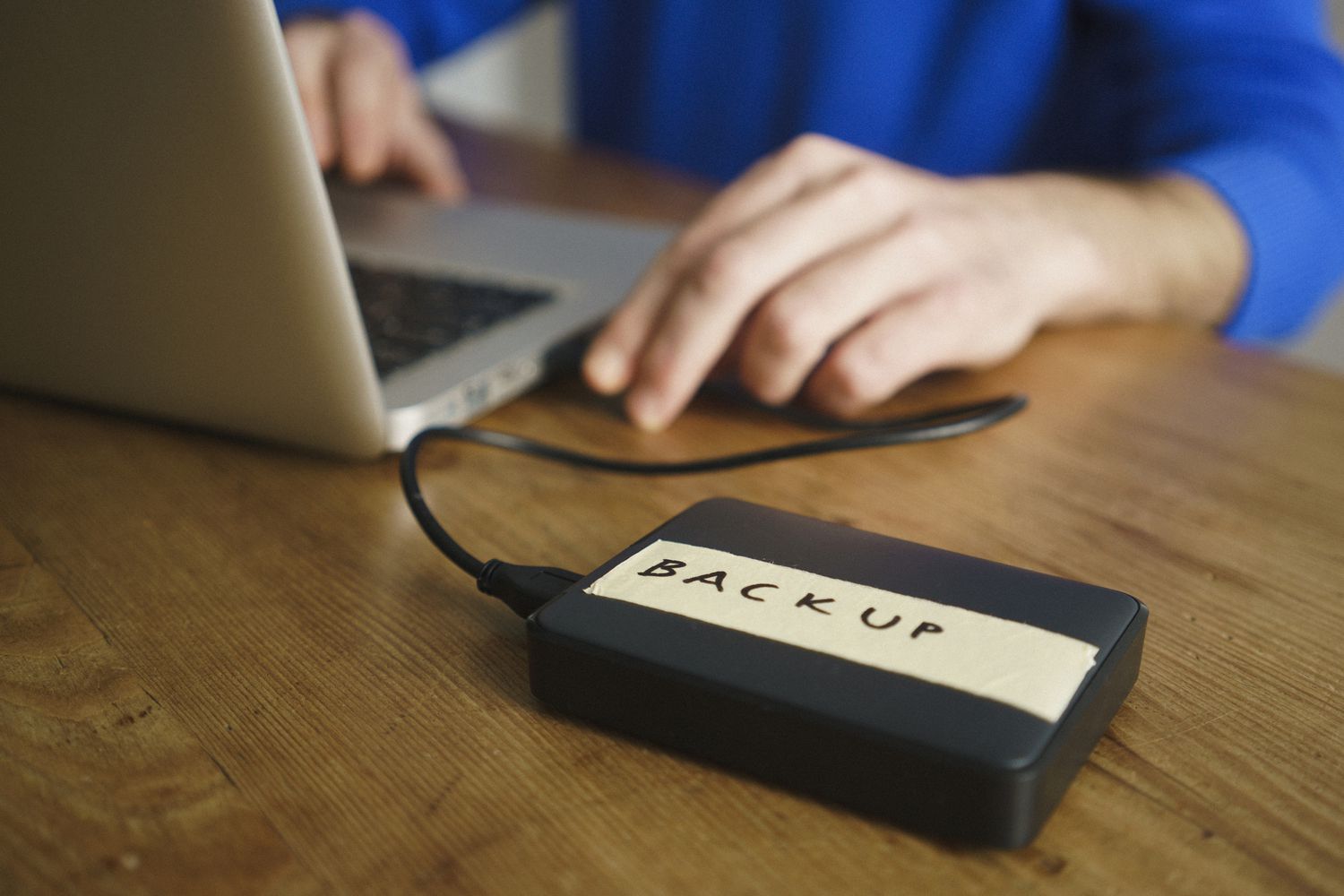
Regular backups are vital for protecting data from loss due to hardware failures, accidental deletion, malware, and disasters, ensuring business continuity and personal peace of mind. You can perform backups by saving data to external hard drives, USB drives, or online cloud services. Best practices include using the 3-2-1 backup rule (three copies, two different media types, one offsite), automating the process, encrypting your data, and regularly testing your backups to ensure they are reliable and can be successfully restored.
Safe USB and External Drive Usage Practices
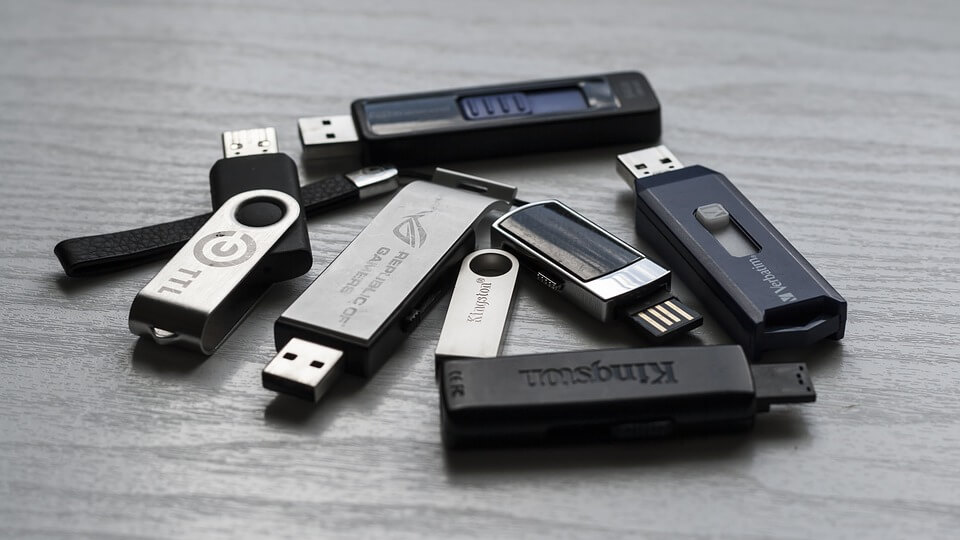
USB drives and external drives are super handy but also a common way malware spreads. Here’s a practical guide on Safe USB and External Drive Usage Practices: